 HOME CONTACT SUPPORT SENSORYTEST.COM
 | |||
|
|
HOME CONTACT SUPPORT SENSORYTEST.COM |
|
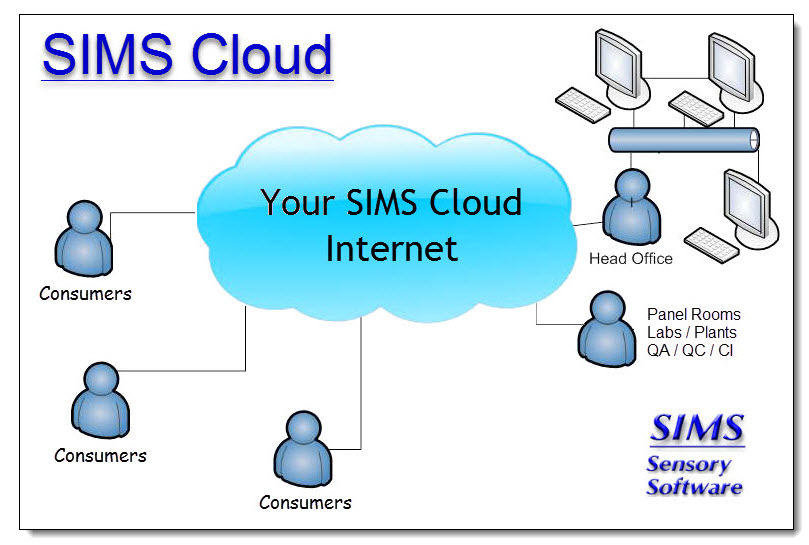
Sensory testing professional's favorite virtual desktop. Say hello to SIMS Cloud Systems. From any device, any laptop, any iPad and even your cell phone. Log in from anywhere anytime. Inquire today. 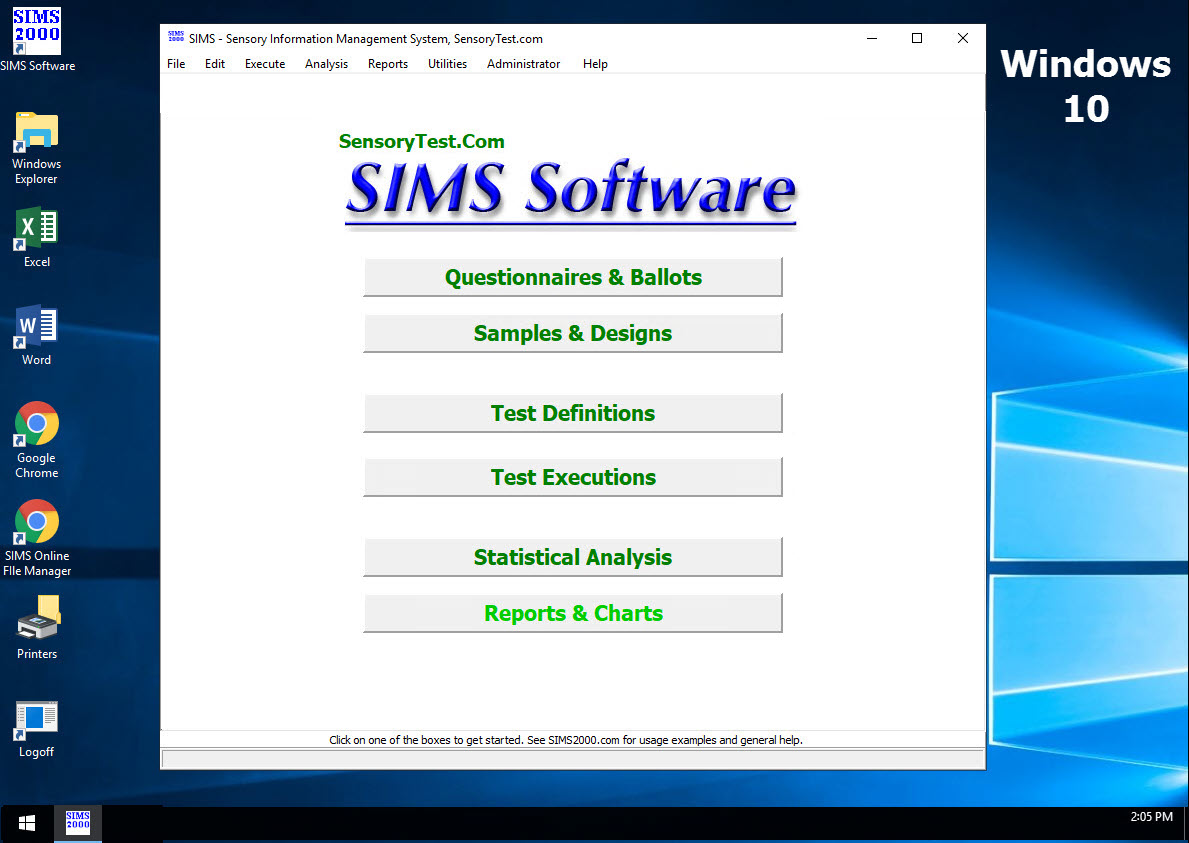
|
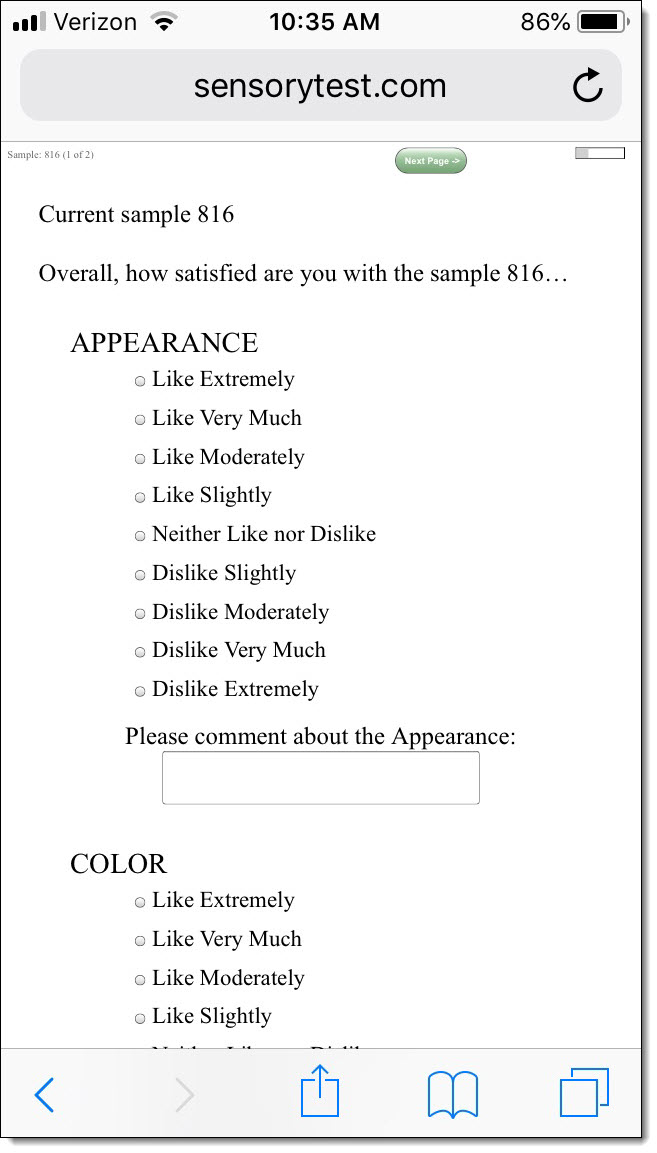
Mobile devices real test example Point your cell phone camera Easy for your respondents 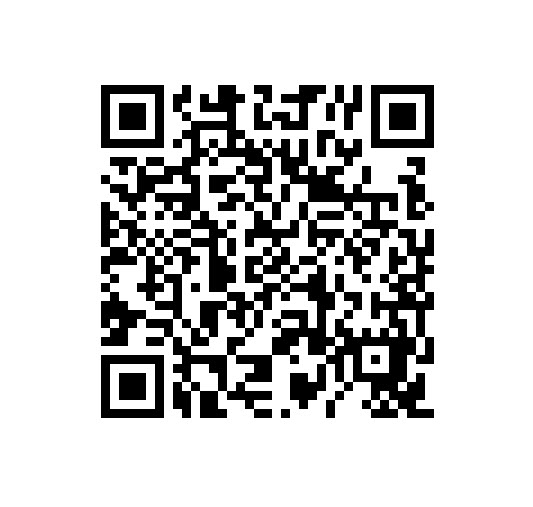
Link |
 VIEW REPORTS
 |
QUESTION CHOICES |
TEST CHOICES |

|
SIMS Sensory Software Cloud Customer Support is Excellent
Customers, please schedule your Support call here: www.calendly.com/assistance or send us an Email: Support@SensorySIMS.com Software Enhancements and Updates Listing - Read Me Updated weekly Click above to read WHAT'S NEW. In-house customers, have you updated your SIMS software recently? SIMS is the most progressive cloud Sensory Software System available. Quick Learning Notes Brief Description of the modules of the SIMS software system: SIMS Software Application Overview Modules.pdf Print screens for SIMS training sessions: SIMS Training Print Screens.pdf Downloads / Updates / File Exchange for Customers and SIMS Evaluation Sites Download SIMS Software updates. Or Upload Files or Photos to us. Chat AI SIMS SIMS Forums - Community Public Support Forums A place to ask any questions, and you'll get an answer. Compliance Information - CFR21 Part 11 QR codes iPhone/iPad/Smartphone HUTs another way to easily start tests. Your Laptop's SIMS Online Access icon, new Warning pop-up, new May 2026. What happened: Microsoft recently changed this behavior on every computer, yours, mine, and everyone worldwide. A bit annoying. Microsoft has released an optional registry setting to remove it. Solutions, any one of the following: Leave as is and continue to use the new Microsoft pop-up box and check the three boxes every time for printers, clipboard and drives. Create a new SIMS Online shortcut on your desktop, location = mstsc.exe, name = SIMS Online, computer = cloud.sensorytest.com, use your SIMS Online credentials, set local resources for printers, clipboard and drives. Registry, copy-n-paste this Registry line to C:\ prompt: C:\ Reg add "HKLM\Software\Policies\Microsoft\Windows NT\Terminal Services\Client" /v RedirectionWarningDialogVersion /t REG_DWORD /d 1 /f If access is denied, please "run as Administrator". 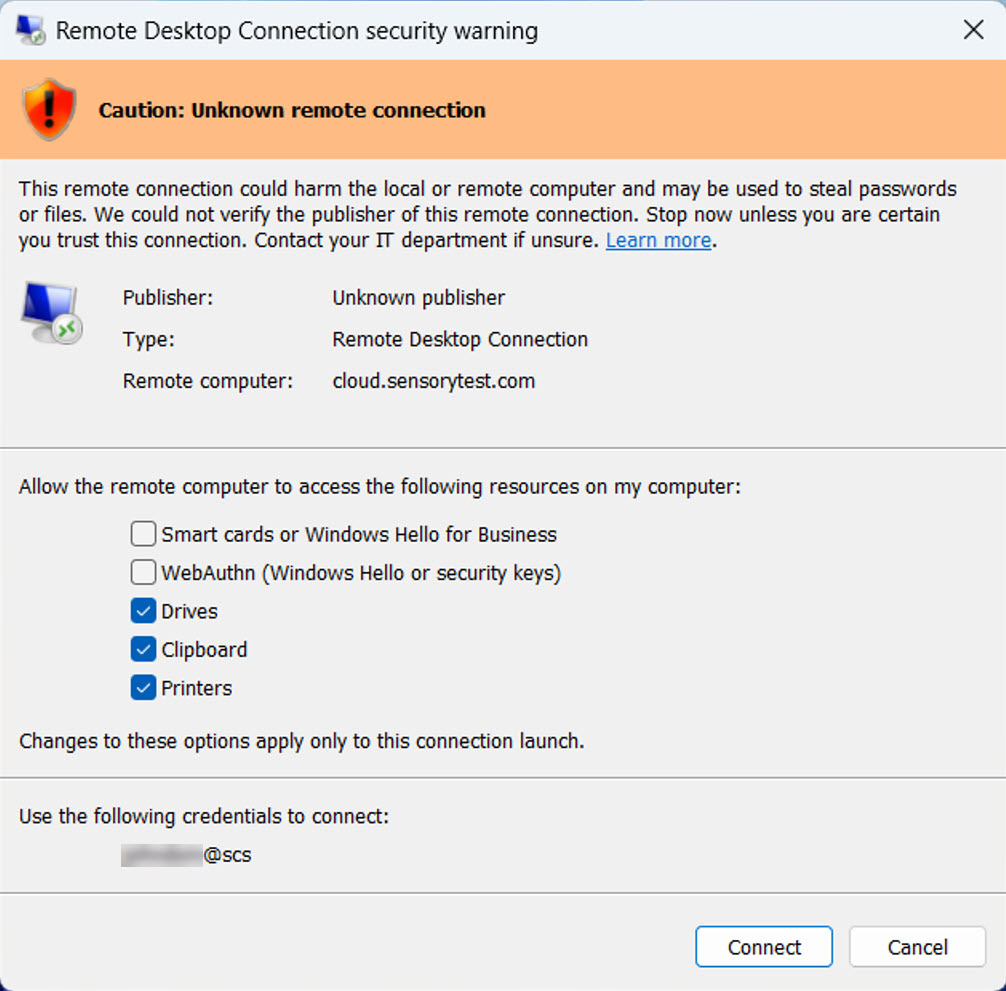
PCs and Tablets System Recommendations
If you need assistance, please send an us an email message Support@SensorySIMS.com or if your email is unavailable ask us a question using our online form. |